Recall Case Function
- Editor9
- RPT Admin (Unlicensed)
Recalling a case
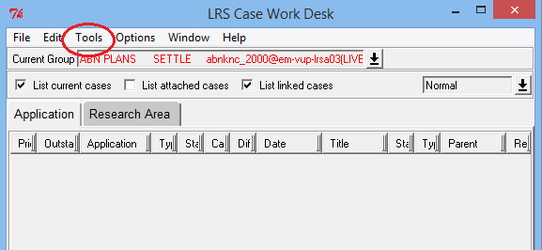
To use the recall case function, open the Case Workdesk for the appropriate county, and select Tools>function>recall case
A box will appear that allows you to enter the application number of the case you wish to recall
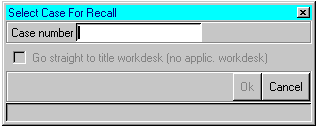
Once you have typed in the application number & clicked on the "OK" button, the LRS will retrieve the application and add it back onto your select list.
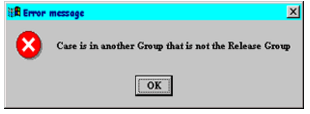
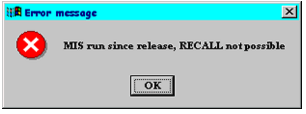
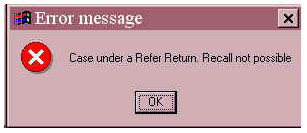
Error messages
| The last LRS event affecting the application was not "release". |
| The user trying to recall the case is not the user who released it. |
| The user is trying to recall using the wrong permission (for example, the case was released with the legal settle permission but the user is attempting to recall with the legal support permission). |
| The weekly Business Planning report has been run. |
| Cases that have been referred rather than released on the LRS cannot be recalled. |
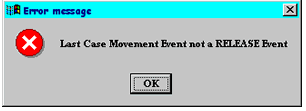
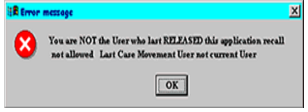
If you are unable to retrieve a case using the recall case function, then the LRS support permissions should be used to refer the case back to you.
Registers of Scotland (RoS) seeks to ensure that the information published in the 2012 Act Registration Manual is up to date and accurate but it may be amended from time to time.
The Manual is an internal document intended for RoS staff only. The information in the Manual does not constitute legal or professional advice and RoS cannot accept any liability for actions arising from its use.
Using this website requires you to accept cookies. More information on cookies.
Feedback